Everything you watch. On a server you own.
Atlas runs on your own computer. It brings your media files, the live TV you already pay for and the services you subscribe to into one beautiful app on your TV.
$10 onceUnlimited devicesFree appsNo account with us
Your server
One install on your own computer runs everything. Your settings stay there.
Your sources
Your files, Radarr and Sonarr, your live TV provider and the services you subscribe to.
Your screens
A free app for Google TV and Android TV. The iPhone app is in development.
Pay once
$10 for the household, unlimited devices. No subscription.
Watching in minutes.
Even before you add a thing.
From day one, Atlas shows what's trending in movies and TV. Your sources then add ways to watch.
Install Atlas on your computer
On a Mac, a Windows or Linux PC, or a NAS in Docker. A short setup runs in your browser, and there's nothing to sign up for.
Installers coming soonAdd your sources
Media folders, Radarr and Sonarr, your live TV provider and the services you subscribe to. Every source is optional.
Pair your TV
Install the free app, approve the TV's code on your Atlas computer, and pick who's watching.
Phone-camera QR pairing coming soonBuilt for the couch. Built for a remote.
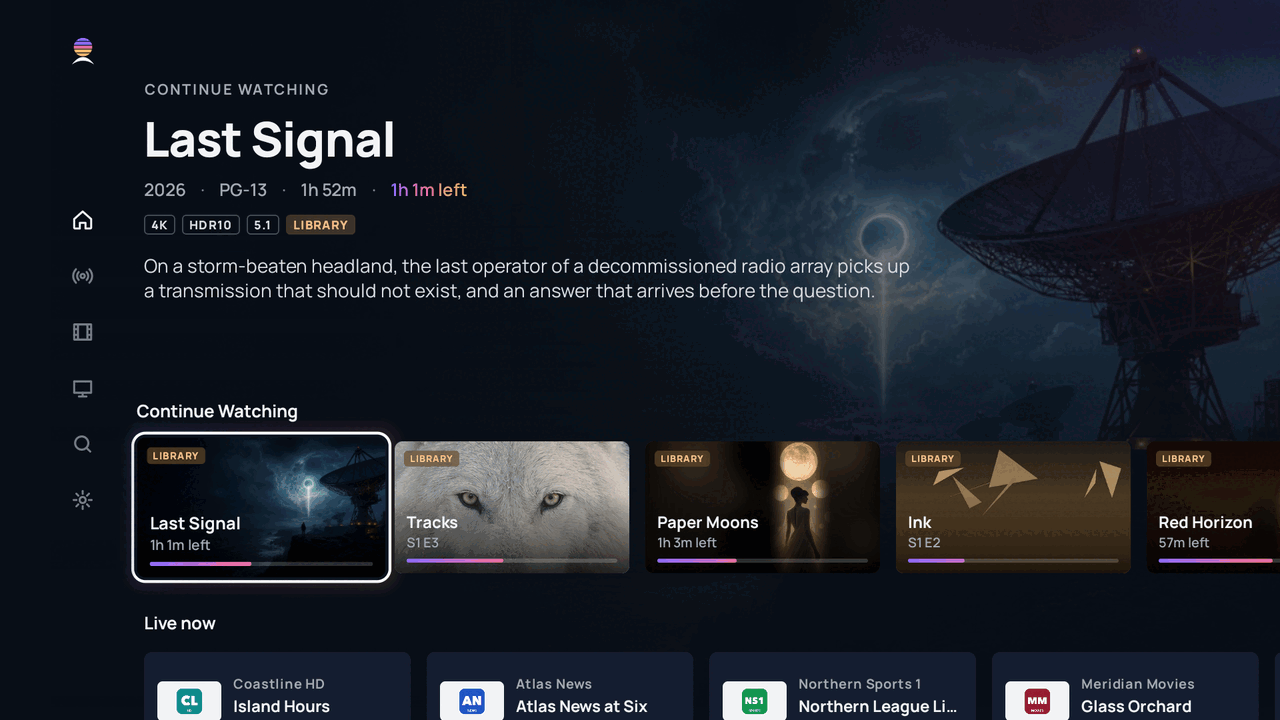
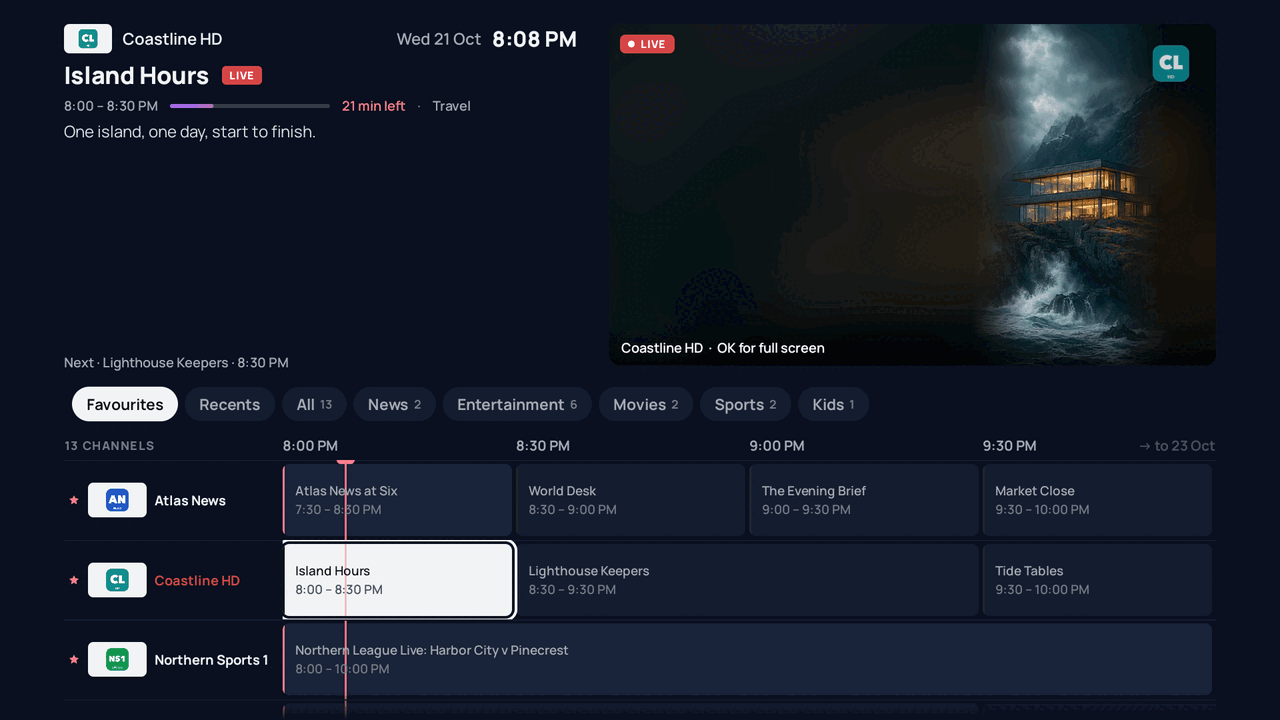
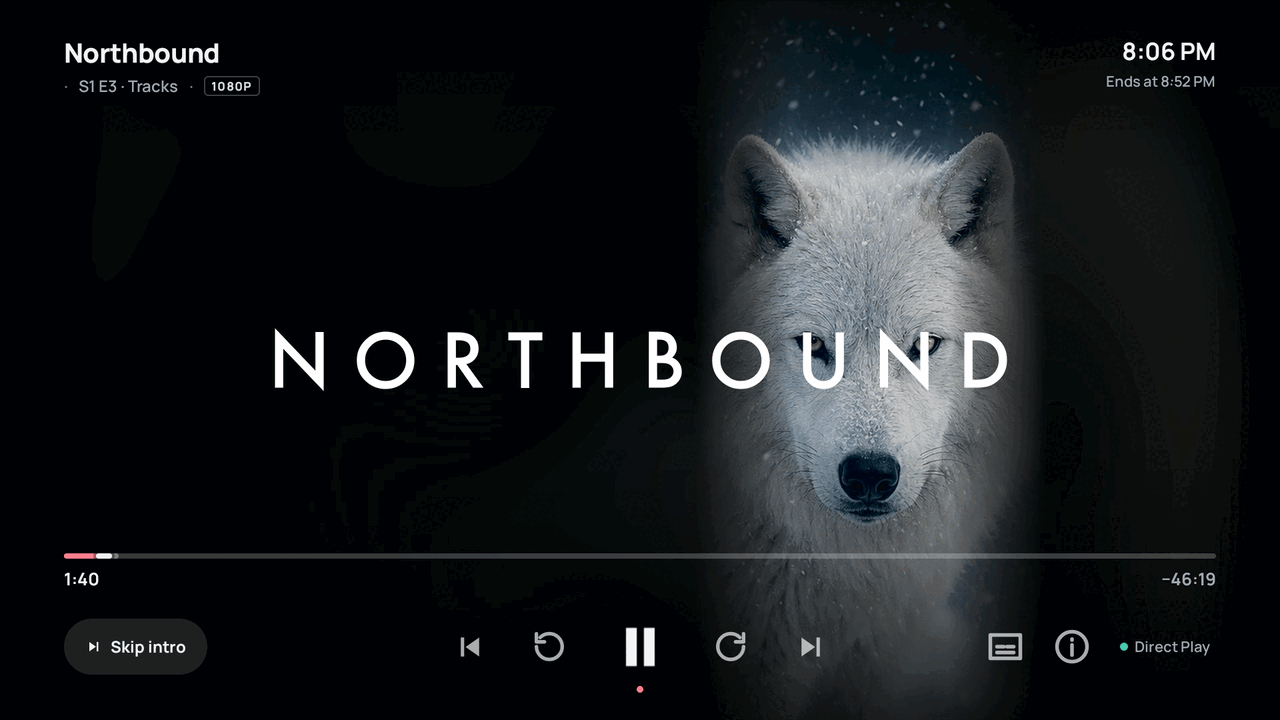
The TV screens on this page are real captures of the Atlas app on a Google TV Streamer, playing a demo library of made-up titles and channels.
A real TV guide, finally.
Bring your own live TV: add the channels you already pay for, and Atlas builds a fast, full-screen guide with logos and listings, built to fly with a remote.
- Live preview while you browse the grid
- Favourites, recents and your own channel lineup
- Captions on live channels Coming soon
Pick up right where you left off.
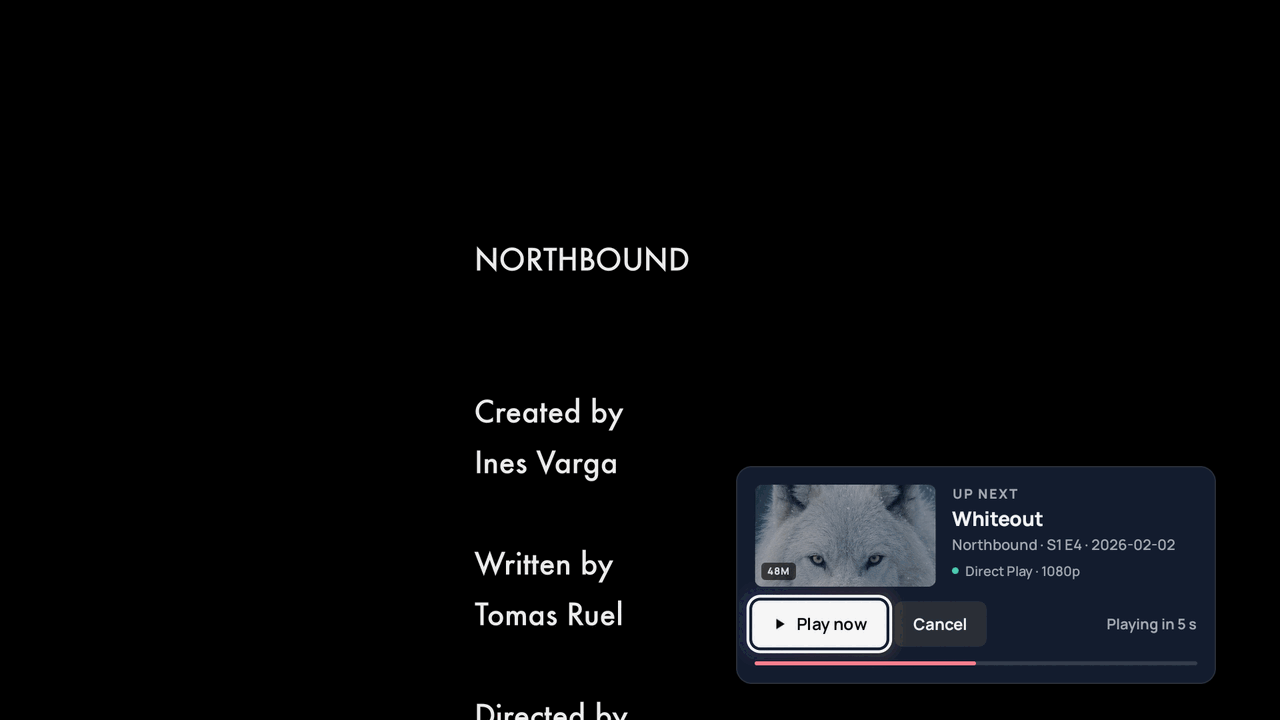
Continue Watching and Up Next follow each person. Skip the intro and the credits with one press, and the next episode is already lined up.
- Continue Watching and Up Next for every profile
- Skip intro and credits
- Trailers on title pages
- Chapters and scrubbing previews Coming soon
Played as it was made.
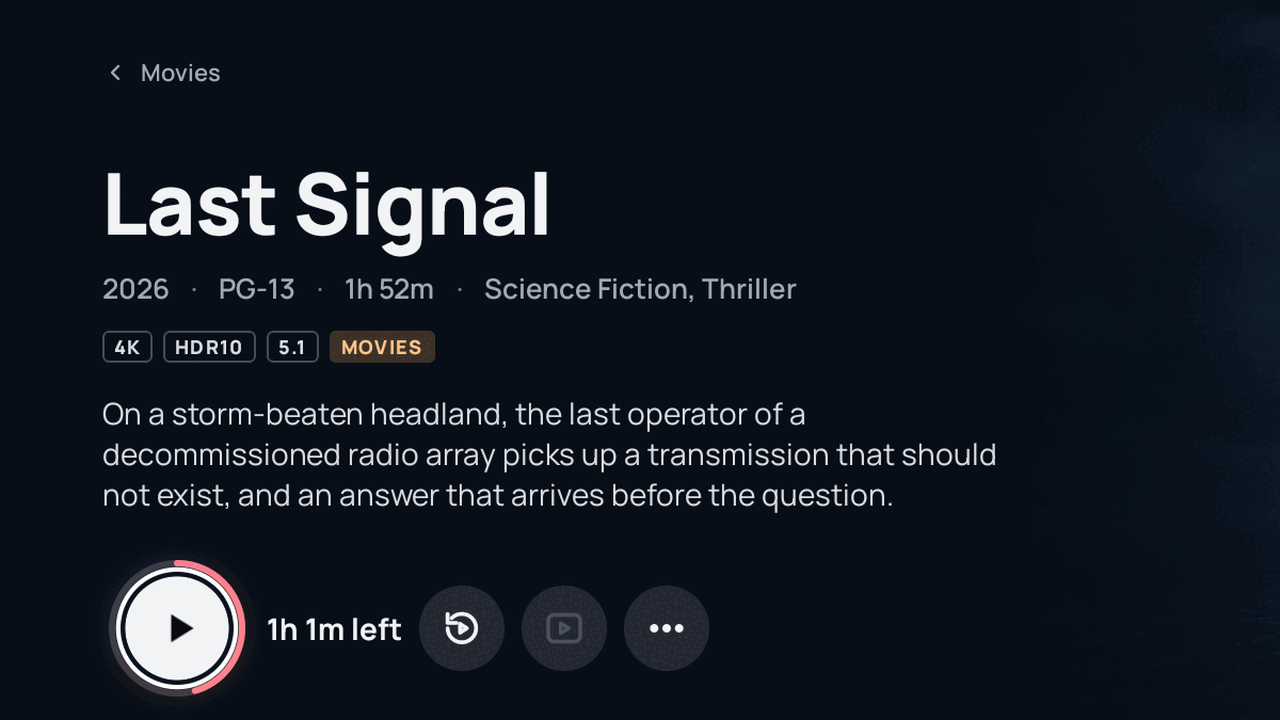
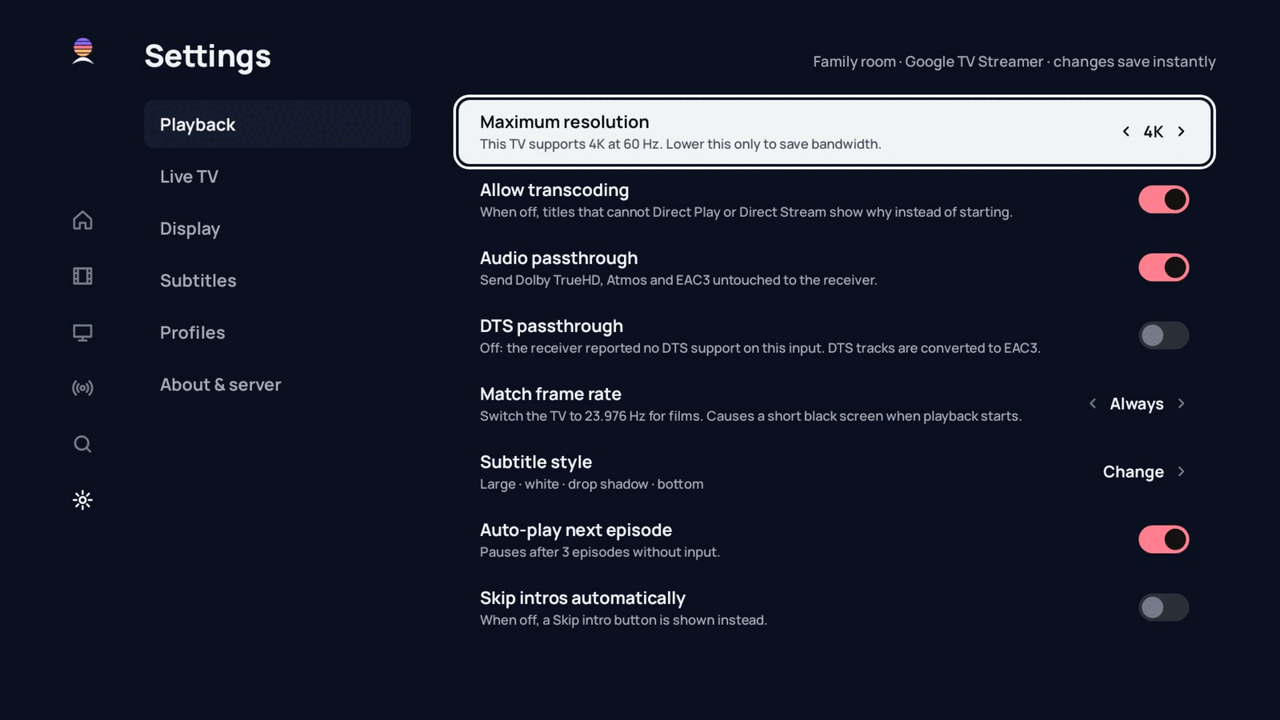
4K with Dolby Vision and HDR10 on capable TVs and streamers, with Dolby Atmos passed straight through. Atlas plays your files as they are, and only converts them when a screen can't play them as they are.
- 4K, Dolby Vision and HDR10 direct play
- Lossless surround passthrough
- Subtitle style and timing you can adjust
Everyone gets their own.
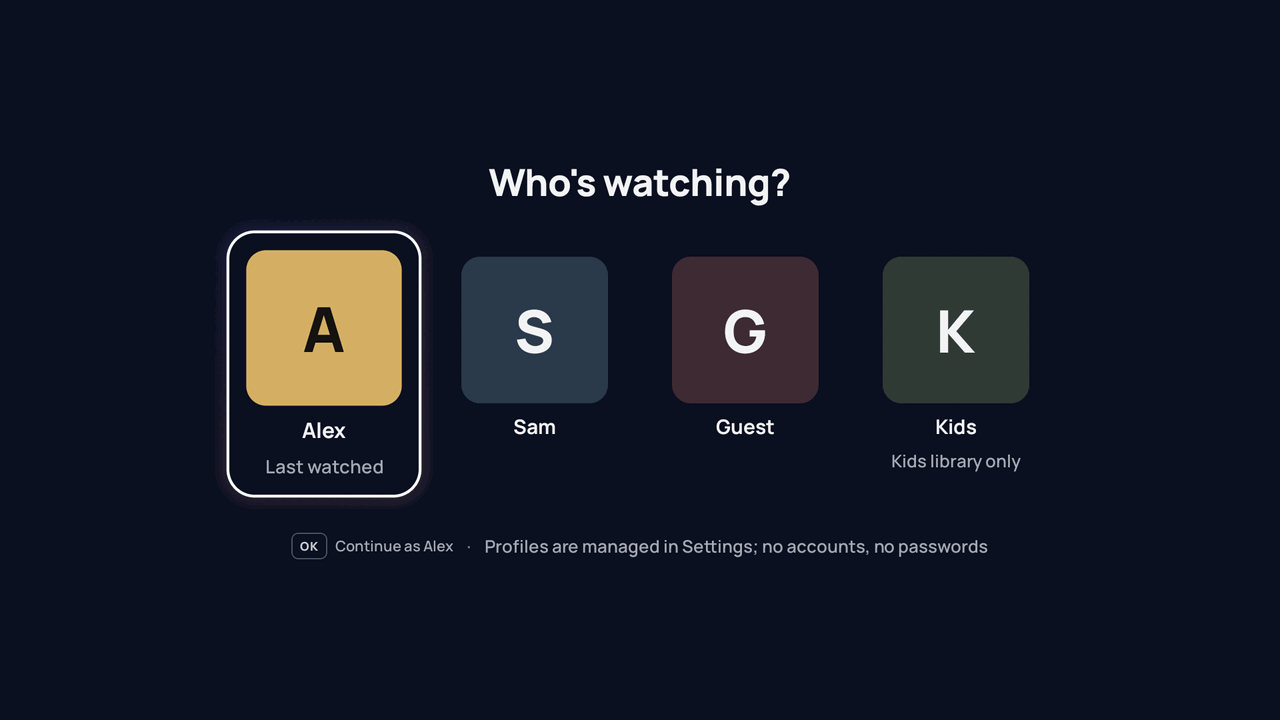
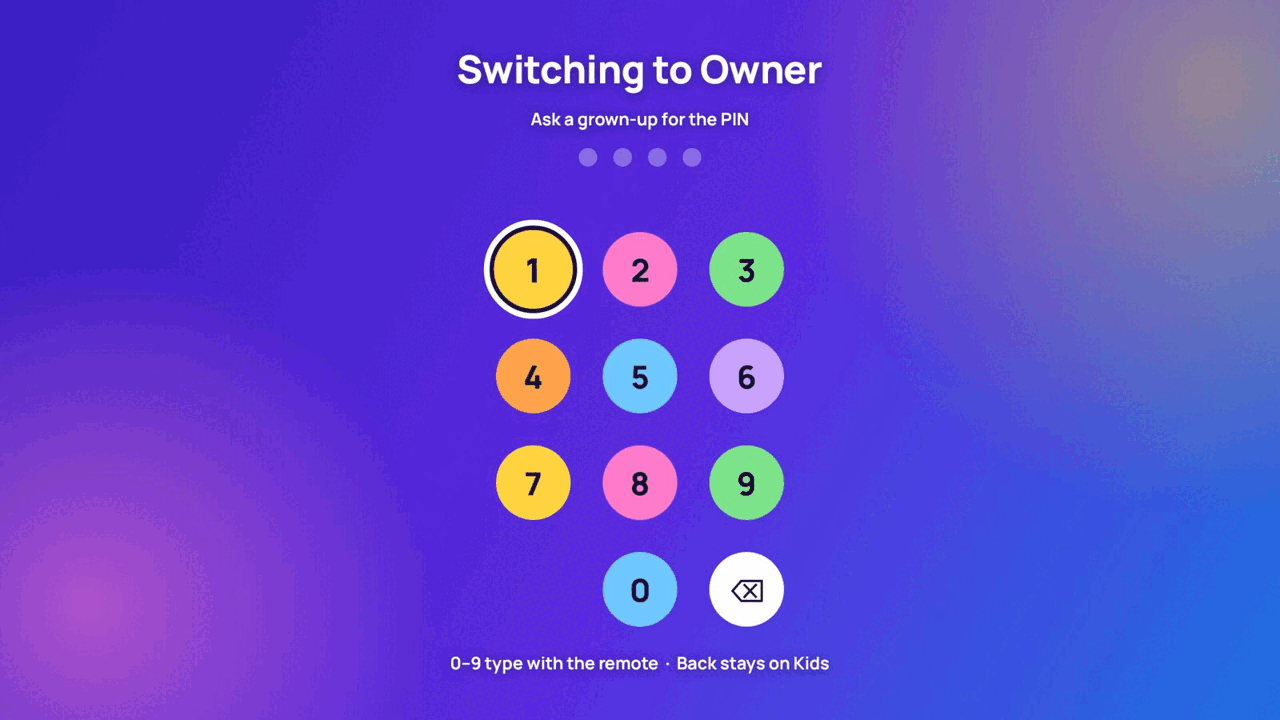
Profiles keep each person's history and Up Next separate. Kids profiles show only the libraries and ratings you allow, and a PIN keeps them there.
- Profiles with their own Continue Watching
- Kids profiles with a simpler, bigger screen
- A PIN to leave a kids profile
One home for everything you already have.
Atlas sits on your computer and gathers what you already have, then serves it to every screen in the house.
 Atlas
On your Mac, PC or NAS. Your settings and history stay here.
Atlas
On your Mac, PC or NAS. Your settings and history stay here.
Atlas is a player and an organiser. It doesn't come with any movies, shows or channels, and it doesn't point you to any. It plays what you already have access to.
What you watch is nobody's business.
There's no Atlas cloud and no Atlas account. Your settings, your watch history and your household's profiles live on your computer, and we never see them.
This website keeps the same promise: no ad pixels, no trackers, no tracking cookies.
bytes of viewing data sent to us
accounts to create with us
place your settings live: your computer
only. The admin is never exposed to the internet
Pay once. That's it.
once, for your whole household
- Unlimited TVs and phones
- Free apps, with no in-app purchases
- No subscription, no account with us
You'll buy on this website when Atlas launches. Pricing details
Questions, answered.
Does Atlas come with movies, shows or channels?
No. Atlas is a player and an organiser, like other self-hosted media players. It plays your own files and the services you already have, such as the live TV you already pay for. It doesn't include or recommend any sources.
What do I need to run it?
A 64-bit computer (Intel, AMD or Apple silicon) with 8 GB of memory, on macOS, Windows or Linux, or a NAS that runs Docker. Leave it on when you want to watch. Then a Google TV or Android TV device for the TV app.
Is it really $10 once?
Yes. One payment covers your household's server and every TV and phone you pair with it. The apps are free downloads and never ask you to pay.
Do you collect what I watch?
No. There's no Atlas account and no cloud. Your watch history stays on your own computer.
When can I get it?
We're finishing the first public release now. Join the waitlist and we'll email you once, when it's ready.
Be first in line.
Atlas is almost ready. Leave your email and we'll tell you the day it's ready to download.
You're on the list.
Thanks for joining. We'll send one email when Atlas is ready to download. Until then, nothing.