All of it, on your terms.
One server on your own computer, a TV app built for the remote and a library you control. Anything marked Coming soon isn't in the app yet. See what Atlas connects to.
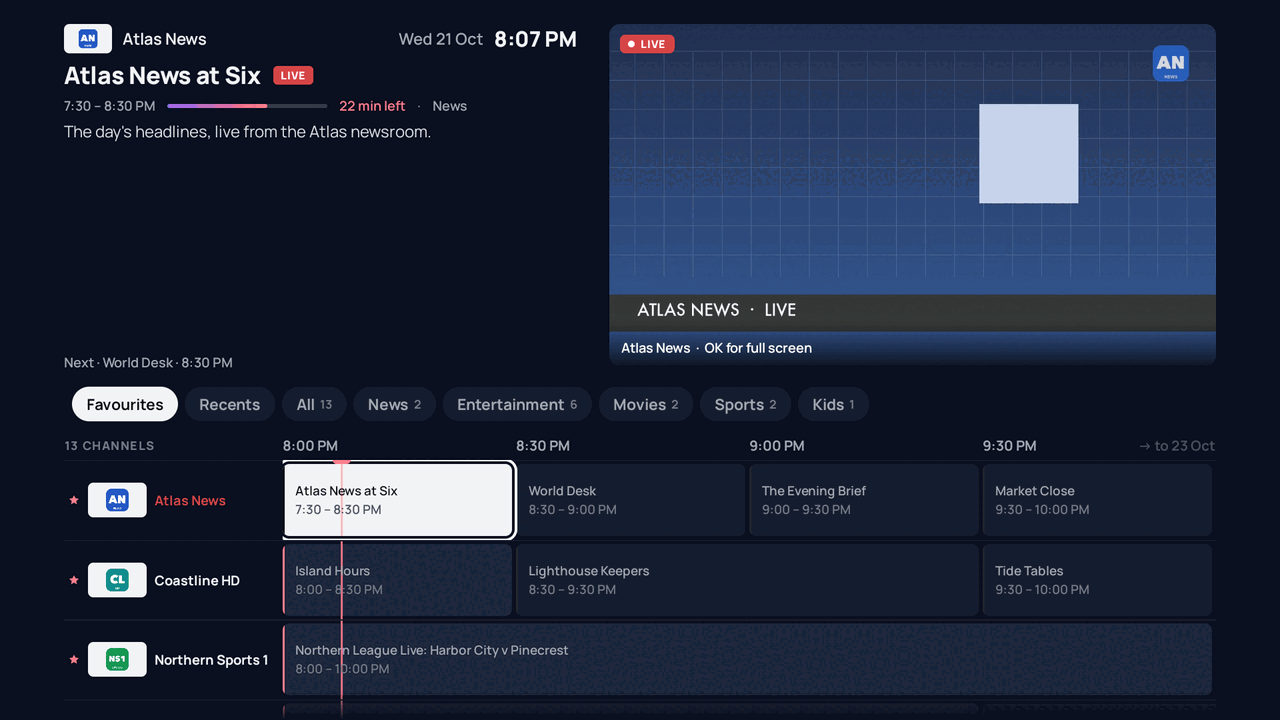
A guide that's a pleasure to use.
Bring your own live TV. Add the channels you already pay for, and Atlas builds a full guide with logos and listings: fast to scroll, easy to read from the sofa, with a live preview of the channel you're on.
- Your own live TV provider, on every TV in the house Formats
- Favourites, recents and channel groups
- Arrange your own lineup from your computer's browser
- Captions on live channels that carry them Coming soon
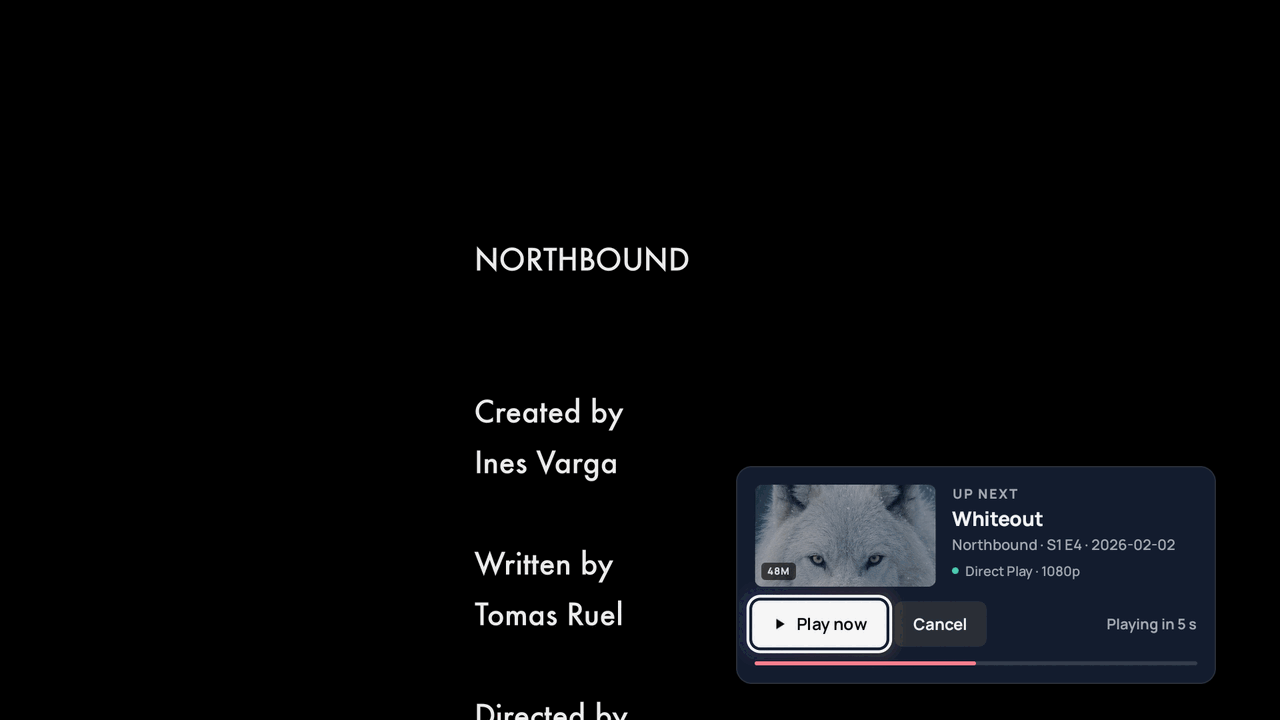
Made for the next episode.
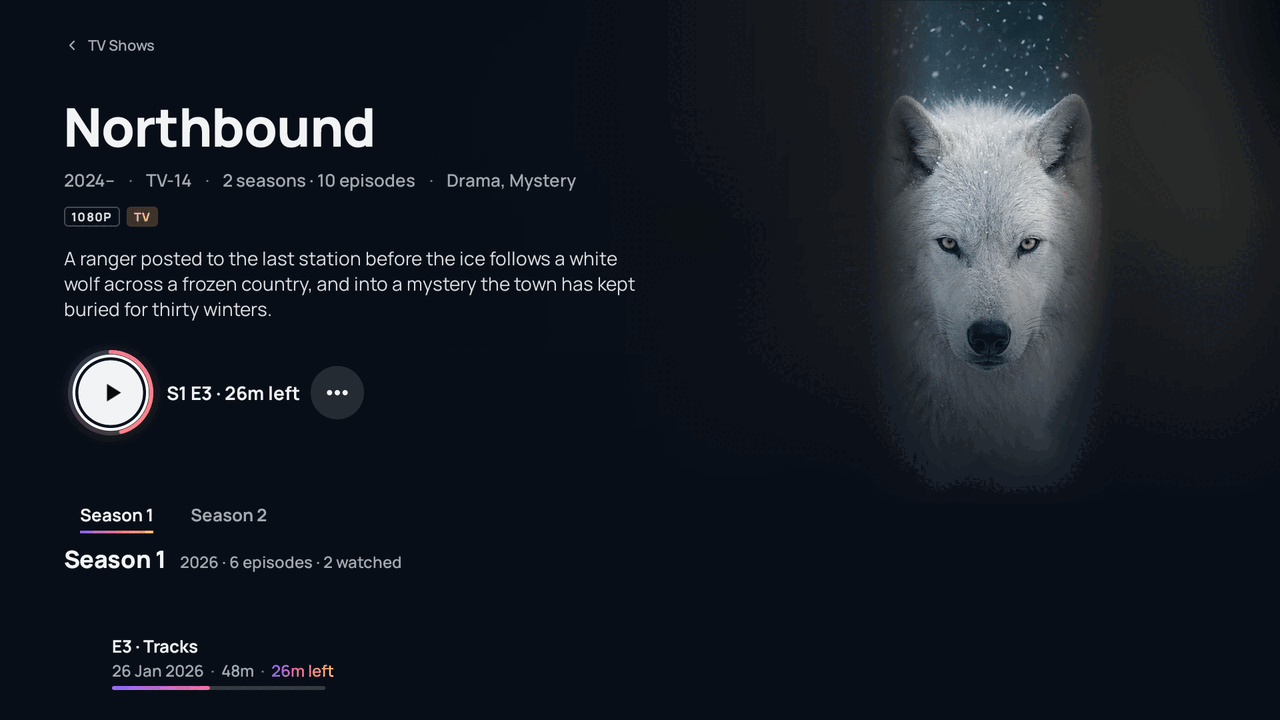
Every profile has its own Continue Watching and Up Next. Skip the intro and the credits, and the next episode is already lined up.
- Continue Watching and Up Next
- Skip intro and skip credits
- Pick between versions of the same title
- Subtitles with adjustable style and timing
- Chapters and preview thumbnails while you scrub Coming soon
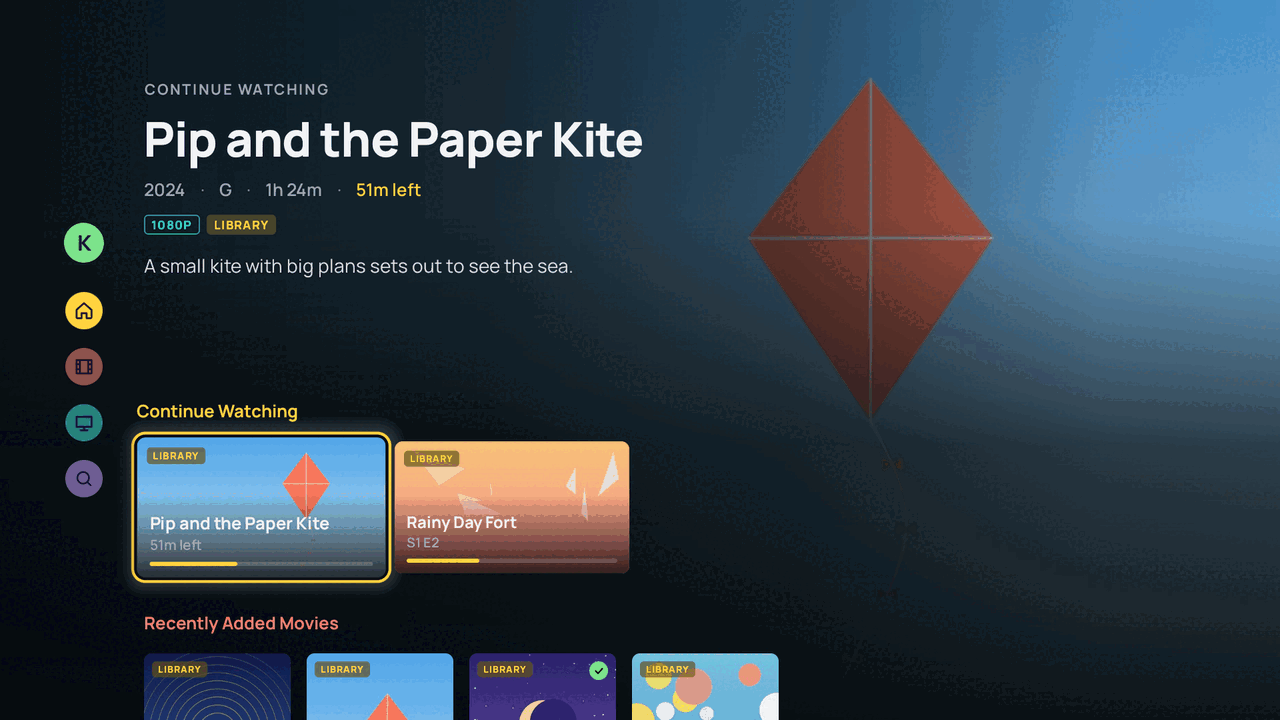
A profile for everyone. A safe one for kids.
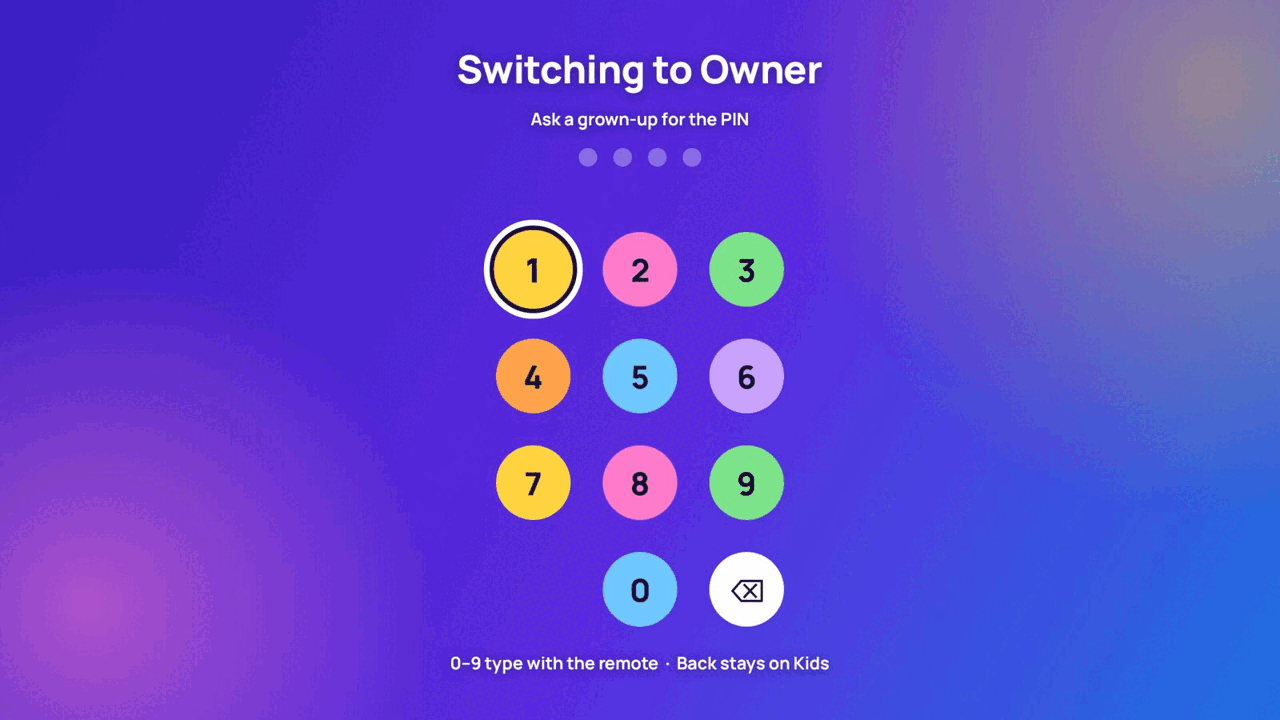
Each person gets their own Continue Watching and Up Next. A kids profile has its own bright, simpler home, with only the libraries and ratings you allow.
- Profiles with their own history and Continue Watching
- Kids profiles limited to the libraries and ratings you choose
- A PIN to leave a kids profile
The details that make it home.
4K, Dolby Vision & HDR10 Available
Direct play on capable TVs and streamers, with lossless surround passed straight through.
Profiles & kids Available
Each profile has its own history. Kids profiles show only the libraries and ratings you allow, and leaving one takes a PIN.
Trending & charts Available
Trending, popular lists and Top 10-style charts on Home, even for titles you don't have yet. Home is full from day one.
Rich metadata Available
Details, cast, ratings, trailers, artwork and title logos from TMDb, plus intro and credits markers for one-press skipping.
Real-Debrid In testing
Connect your own account and Atlas plays what's already in it. Nothing is added to your account unless you ask. More
Search everything Coming soon
Search across every movie and show on TMDb, not just what's in your library.
Watchlist & requests Coming soon
A watchlist for every profile. If you use Radarr and Sonarr, a request sends the title to them, automatically if you switch that on.
Collections Coming soon
Browse franchise collections and your own on the TV. You can already organise them in the web admin.
Coming Soon tab Coming soon
What's new in theaters and on streaming, and new and returning shows, each with a trailer.
Edit titles, artwork and tags from your browser.
Fix a match, pick the artwork you like and tag titles your own way, all from the Atlas admin on your computer. Your edits stick when metadata refreshes, and Atlas never writes to your files.
- Your own titles, summaries and artwork, by upload or link
- Household tags you can filter by
- Fix a match, and organise collections
Edit · The Long Coast
Playlists for movies and shows.
Make a list for anything: a family movie night, a franchise in order, the shows you're catching up on. Keep it to yourself, or share it with the household so it's on everyone's TV.
- Private playlists, or shared ones the whole household sees
- Play in order or shuffle. A show plays as one item, from your next episode
- My Lists: your watchlist, favourites, downloads and playlists in one place
- Favourites play like a playlist too
- On iPhone, download a whole playlist for offline viewing
- Kids only ever see what their profile allows
Your server, in your pocket.
An iPhone app that looks and works like the TV app. It connects straight to the Atlas server in your home, over an encrypted link pinned to that server. There's no Atlas cloud and no account with us, and nothing passes through our servers.
- Pair once by scanning a QR code in your web admin
- Picture quality that adapts to your connection, from home Wi-Fi to cellular
- Downloads for offline viewing: Low 480p, Medium 720p, High 1080p or Original, with subtitles
- Downloads over cellular only if you switch it on
- Your progress syncs back to the TV when you're online
- Pair a TV with your phone's camera
Watching away from home takes a one-time router setup. How it works
One install. Everything in one place.
All of Atlas's settings live on the computer it's installed on. The TV and phone apps only play, so nothing on them can change how the server is set up.
Runs where you do Installers coming soon
macOS, Windows, Linux, or Docker on a Synology, Unraid or other NAS. Any 64-bit computer with 8 GB of memory.
Uses your hardware
Uses hardware video conversion where your computer has it. Without it, Atlas still direct-plays and remuxes, and the admin tells you so.
Safe with your library
A drive that's unplugged or a network share that drops won't empty your library. Atlas never deletes titles on one bad scan.
Admin stays at home
The admin only works on your home network. It's never reachable from the internet, and a device can't approve itself.
Your sources, all optional
Media folders, Radarr and Sonarr, your live TV provider and the services you subscribe to. Mix them however you like. How Atlas connects
No account, no cloud
There's nothing to sign up for. Your settings and history stay on your machine.
Want in early?
Join the waitlist and we'll email you the day Atlas is ready.